
What is Tusile?
Tusile is a free app for talking with friends, gaming crews and online communities. If you have used Discord, most of it will feel familiar: servers with text and voice channels, direct messages, calls and screen share.
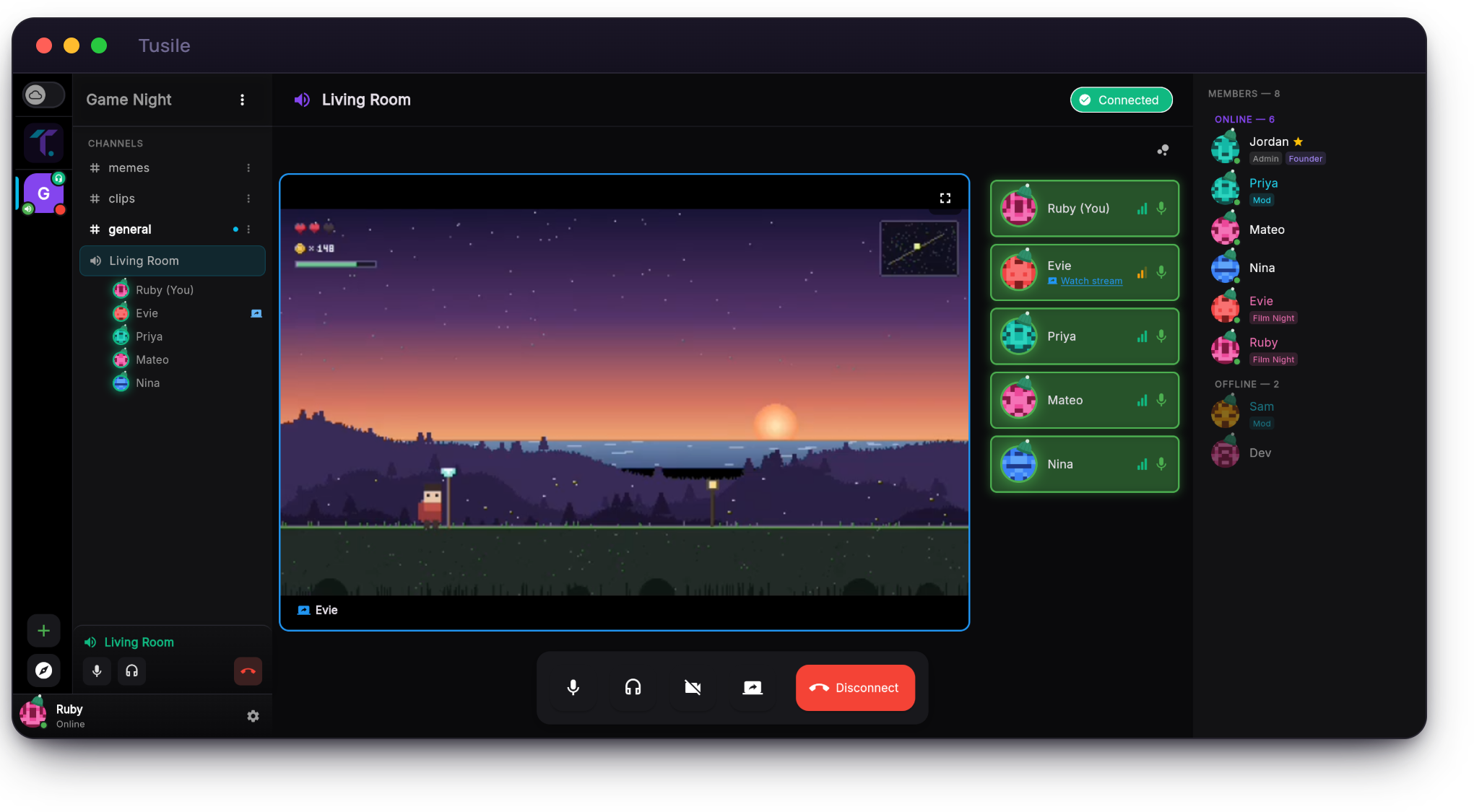
What you can do
Section titled “What you can do”- Join communities. A community (also called a server) has its own text channels, voice channels, roles and members. See Communities and channels.
- Chat. Send messages with formatting, emoji, GIFs, stickers, files, replies, threads and polls. See Messages.
- Talk. Drop into a voice channel, turn on your camera, or share your screen with sound at up to 1080p and 60 fps (1440p on Supercharged and self-hosted servers). See Voice chat and Screen share.
- Message and call friends. Direct messages and one-to-one voice or video calls work outside any server. See Direct messages and calls.
- Play together. Start a game for everyone in a voice call, such as Marble Kingdom, Song Ride or Chess. See Activities.
- Make it yours. Pick an avatar, a hat, a theme colour, light or dark mode, and one of nine languages. See Profile and appearance.
One account for everything
Section titled “One account for everything”Your Tusile account holds your profile, friends and direct messages. With it you can join any number of communities, whether Tusile hosts them or someone runs them on their own machine. You can also try Tusile as a guest, with no account at all. See Your account.
Where it runs
Section titled “Where it runs”Tusile runs on Windows, macOS, Linux, Android, iPhone and iPad, and in your browser at app.tusile.com. Your account, servers and messages are the same on every device. See Download Tusile.
What it costs
Section titled “What it costs”Using Tusile is free: chat, voice, video, screen share, DMs and calls cost nothing. Anyone can create a free community hosted by Tusile, or run their own server for free.
Sparks are optional. Members can spend them to Supercharge a community (better hardware, bigger uploads, a choice of screen share bitrate and 1440p) or on items in the Spark Forge. The iPhone, iPad and Mac apps do not show Sparks. Buy them on the web, Windows or Linux; the Android app can spend Sparks but does not sell them. See Pricing and Hosting and plans.
Coming from Discord?
Section titled “Coming from Discord?”A server owner can bring a whole Discord server to Tusile (roles, categories, channels and recent messages), and keep the two bridged so messages flow both ways. See Discord import.
What to do next
Section titled “What to do next”- Download Tusile, or open app.tusile.com in your browser.
- Sign in or continue as a guest.
- Join a community. The official Tusile community is a good first stop: app.tusile.com/j/tusile.